Trusted by over 100k+ users
4.9
Module
Maps and Locations

Easy Store Locator

Multiple Store Locator Module for Joomla

5.0 6.3K+ downloads v2.1

30-day money-back guarantee

Works with
Joomla 4 Joomla 5 Joomla 6
Easy Store Locator

What can Easy Store Locator do for you?

Product features

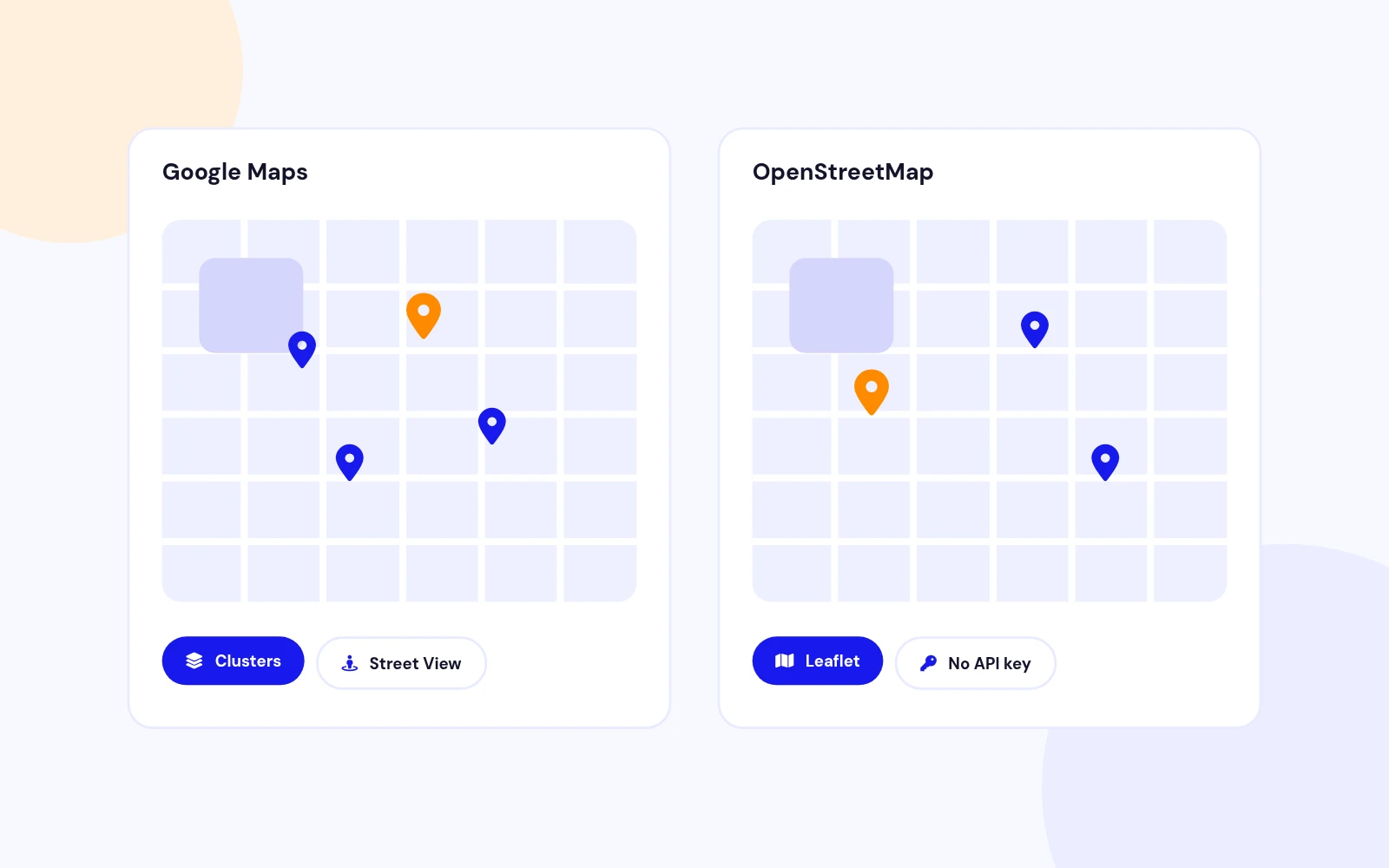
The Easy Store Locator module displays multiple locations on Google Maps with customizable dimensions, search functionality, and styling options.
Unlimited Store Locations
Multi-branch ready

Unlimited Store Locations

Repeatable store list
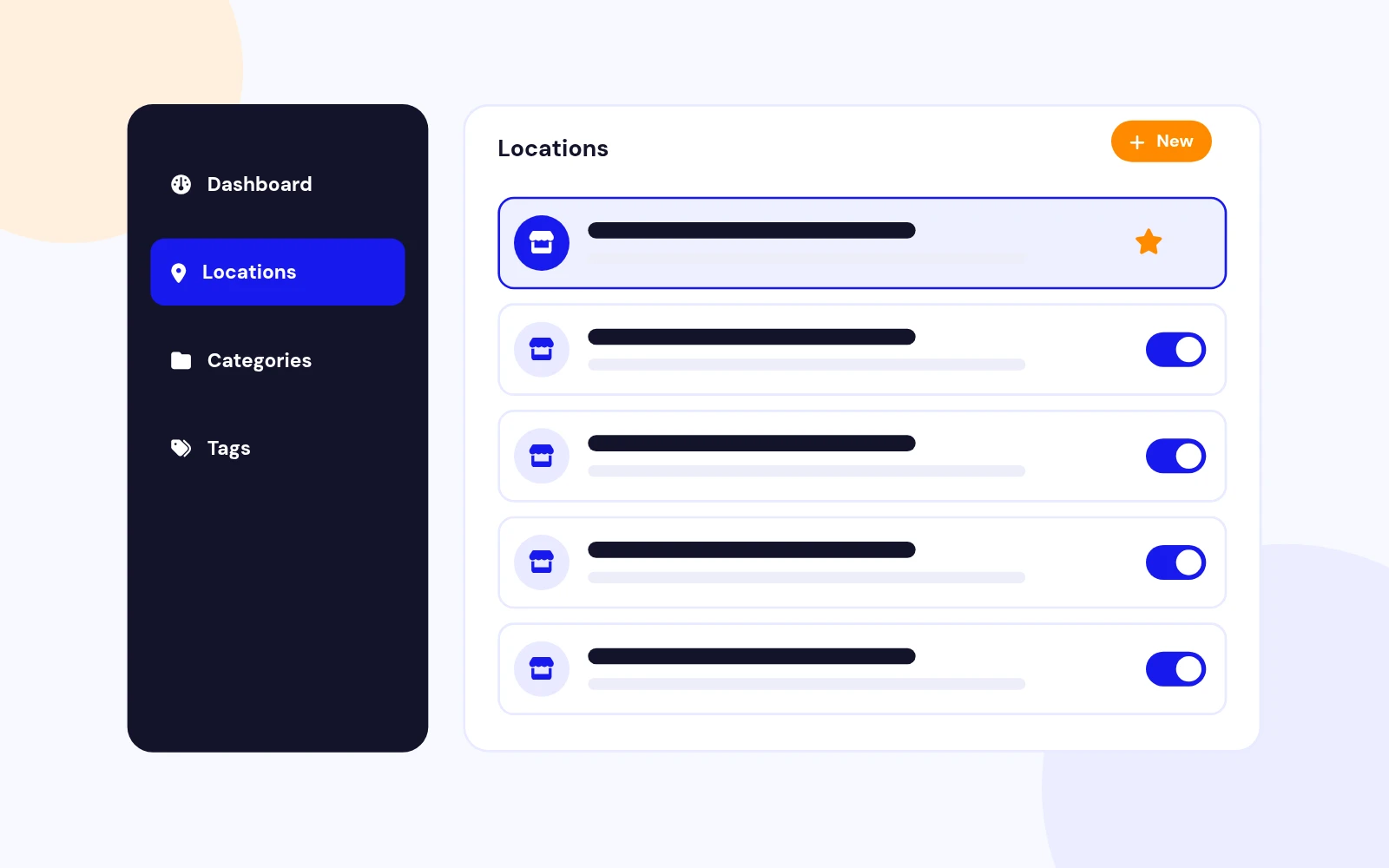
Add as many locations as you need with name, address, phone, email, website, hours, category, and pin colour.

CSV + demo import
Load sample stores in one click or import your own CSV — no manual pin hunting required.

Google Maps Advanced Markers
Modern Maps API

Google Maps Advanced Markers

Advanced Markers + Map ID
Built on the current Google Maps JavaScript API with coloured pins and clean info windows.

Fit all stores
Auto-zoom so every location is visible on first load, with a fallback zoom when you prefer manual control.

Search & Category Filters
Find stores fast

Search & Category Filters

Live search
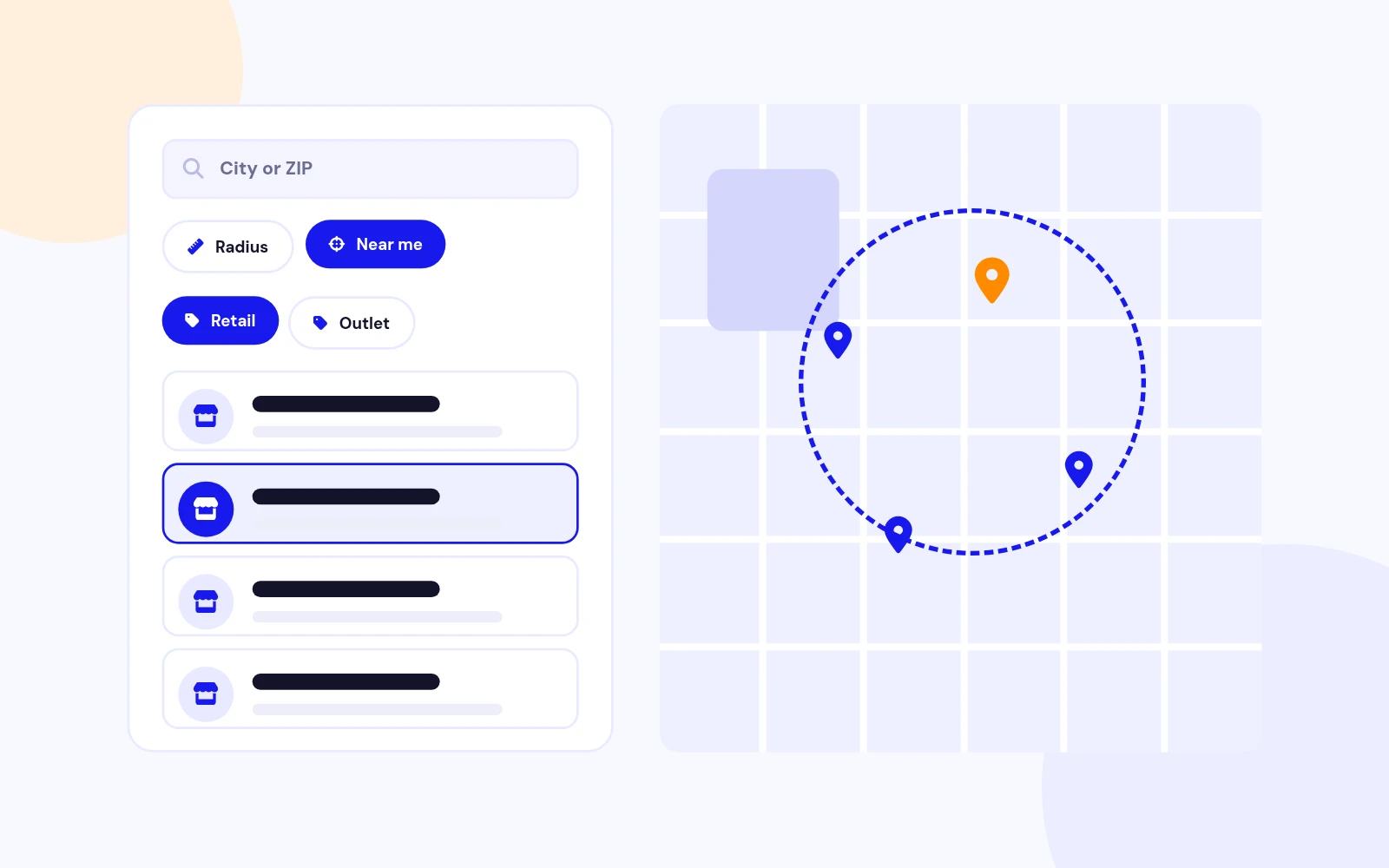
Filter by name, area, address, phone, hours, or category with highlighted matches and a clear button.

Category chips
One-tap filters (Flagship, Outlet, Partner…) that update the list and map together.

Five Layout Designs
Pick your look

Five Layout Designs

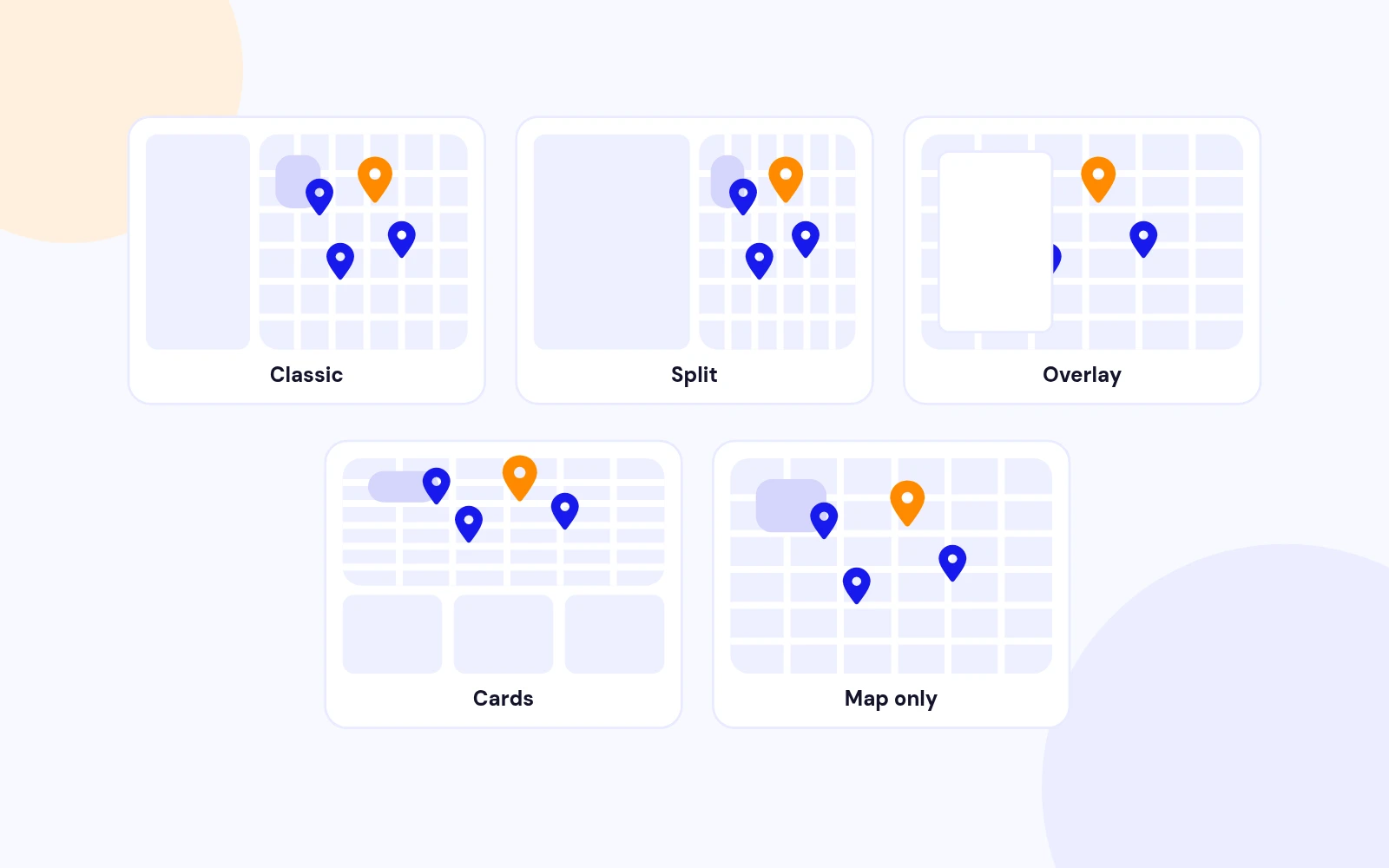
Classic · Split · Overlay · Cards · Map only
Choose how the map and store list sit together — from a classic sidebar to a full-bleed map with a floating list toggle.

Sidebar left or right
Match your page composition without custom CSS.

Convert visits

Get Directions & Contact Actions

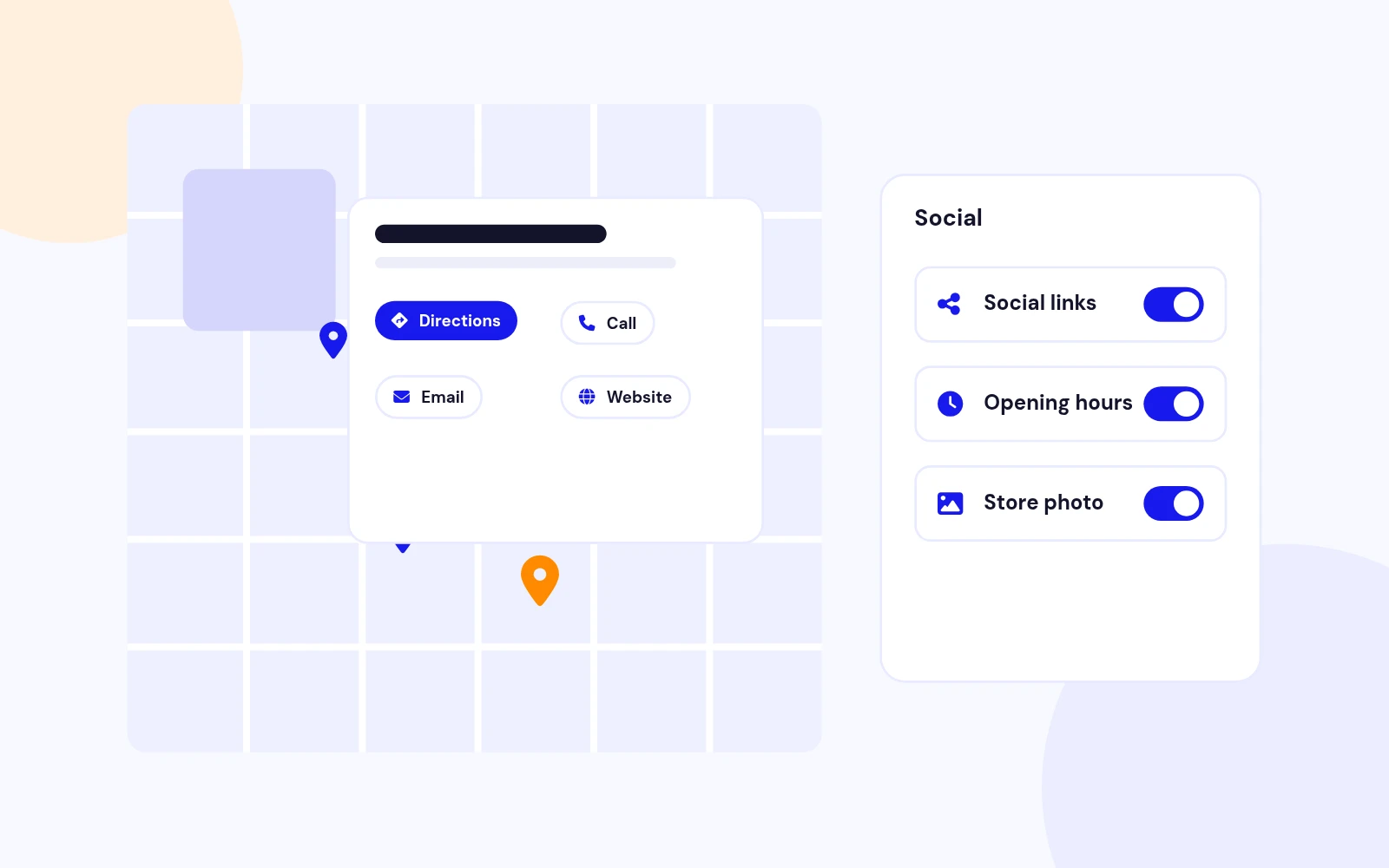
Directions, Call, Email, Website
Each info window can open Google directions or start a call, email, or website visit in one tap.

Toggle per need
Turn directions (and other chrome) on or off from the module settings.

Match your site

Brandable Appearance

Colours, radius, typography
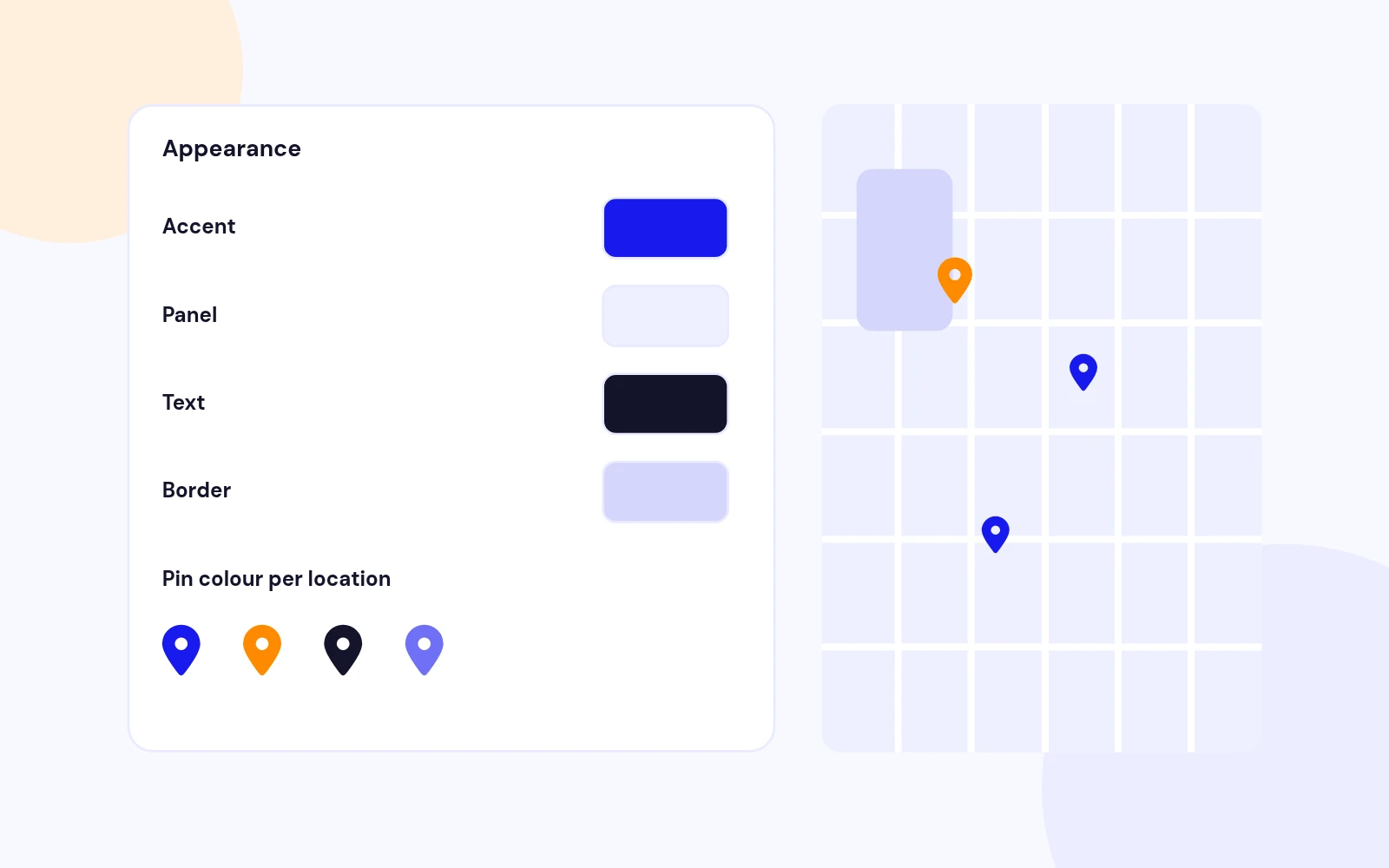
Accent, panel background, text, borders, corner radius, title size/weight, and row padding — all from the backend.

Per-store pin colours
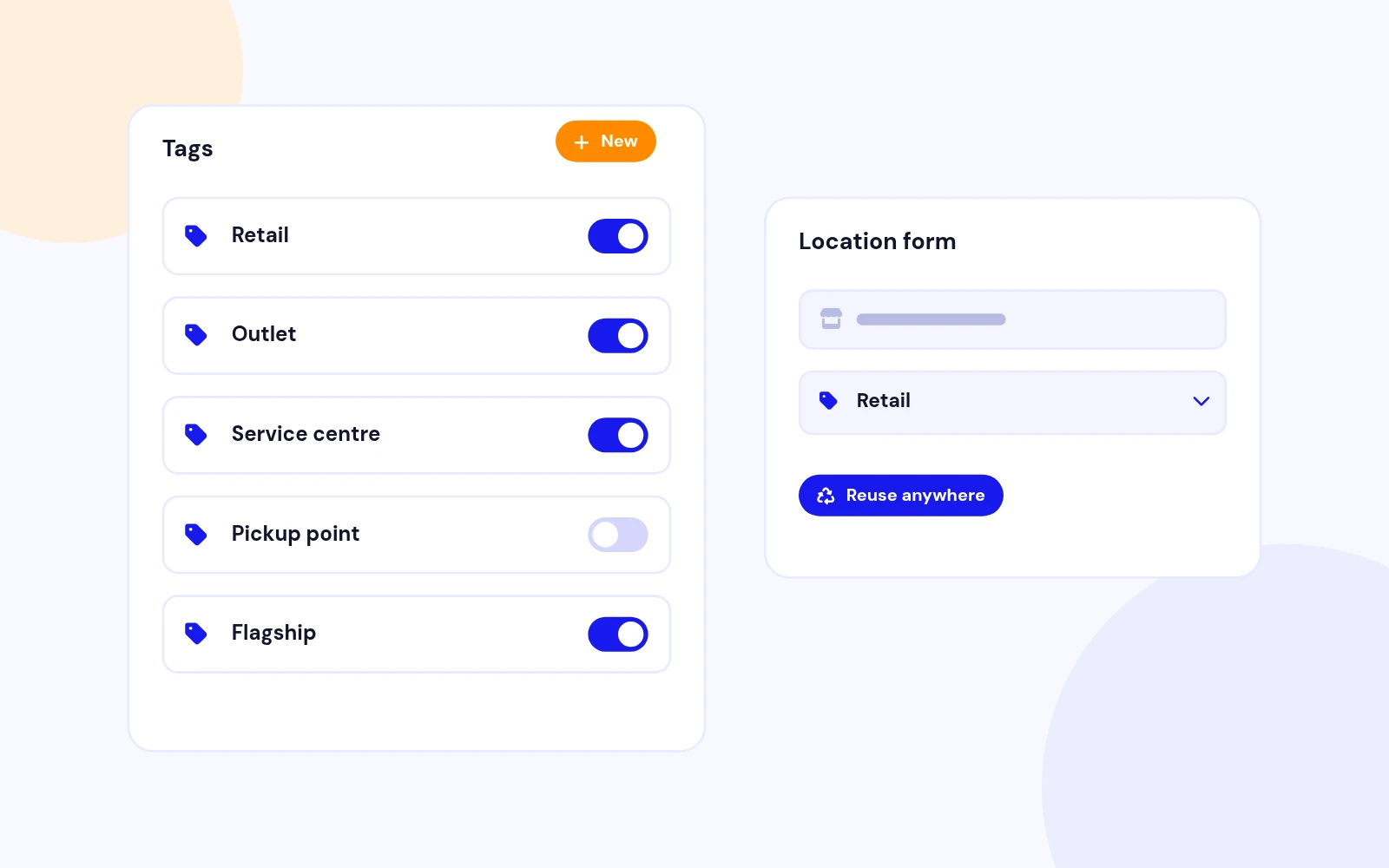
Highlight Flagship vs Outlet locations with their own accent on the map and in the list.

More map when needed

Sidebar Show / Hide

List toggle
Visitors can hide the store list for a full-width map, then reopen it with a floating control.

Map-only layout
Start collapsed for a clean hero map — the list is always one tap away.

Go live faster

CSV Import & Demo Data

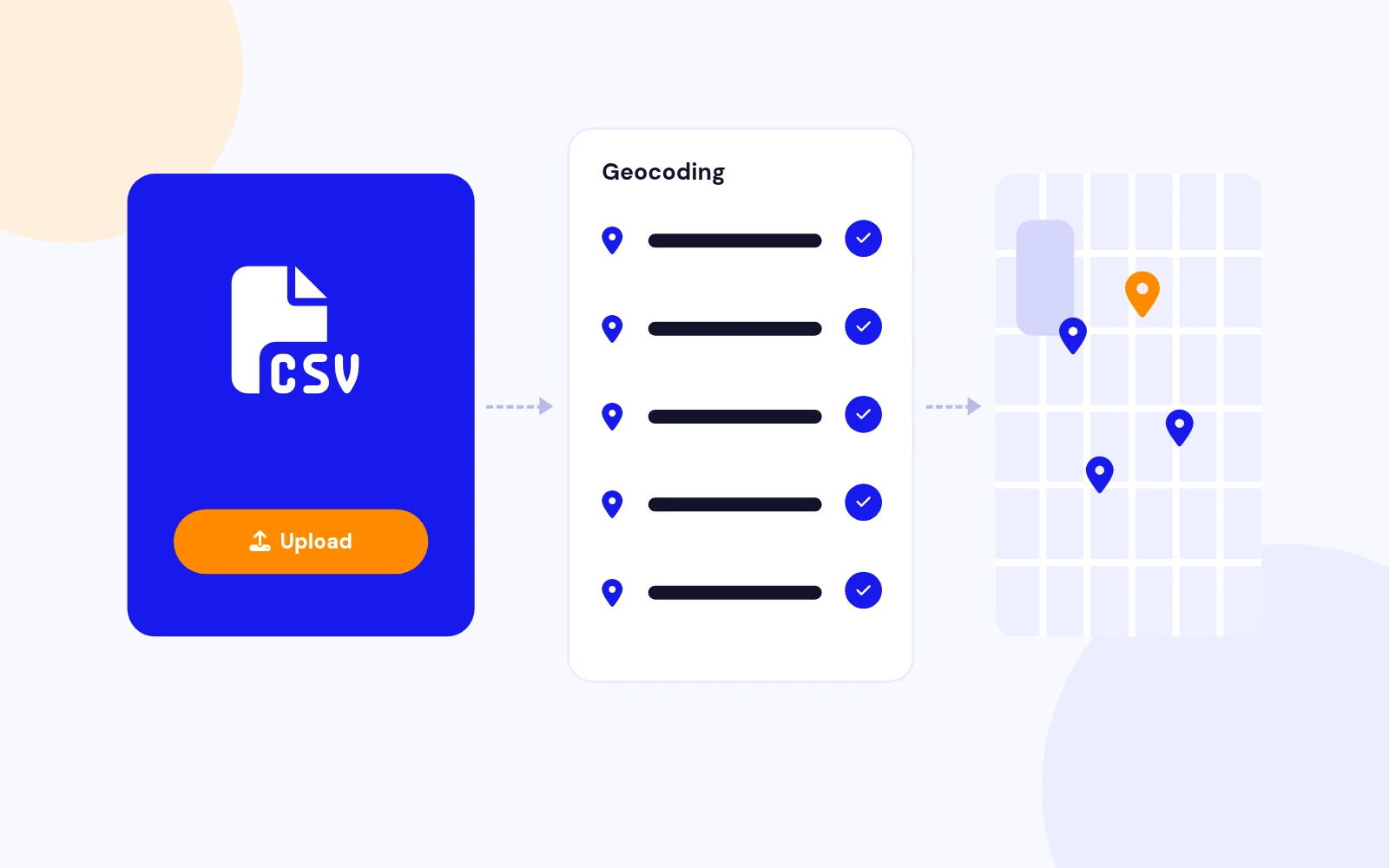
Upload a CSV
Import title, coordinates, and optional fields (category, address, phone, email, website, hours, pin colour).

Sample London set
Load demo stores instantly to preview layouts before adding your real branches.

Lightweight front end

Vanilla JS · No jQuery

Modern stack
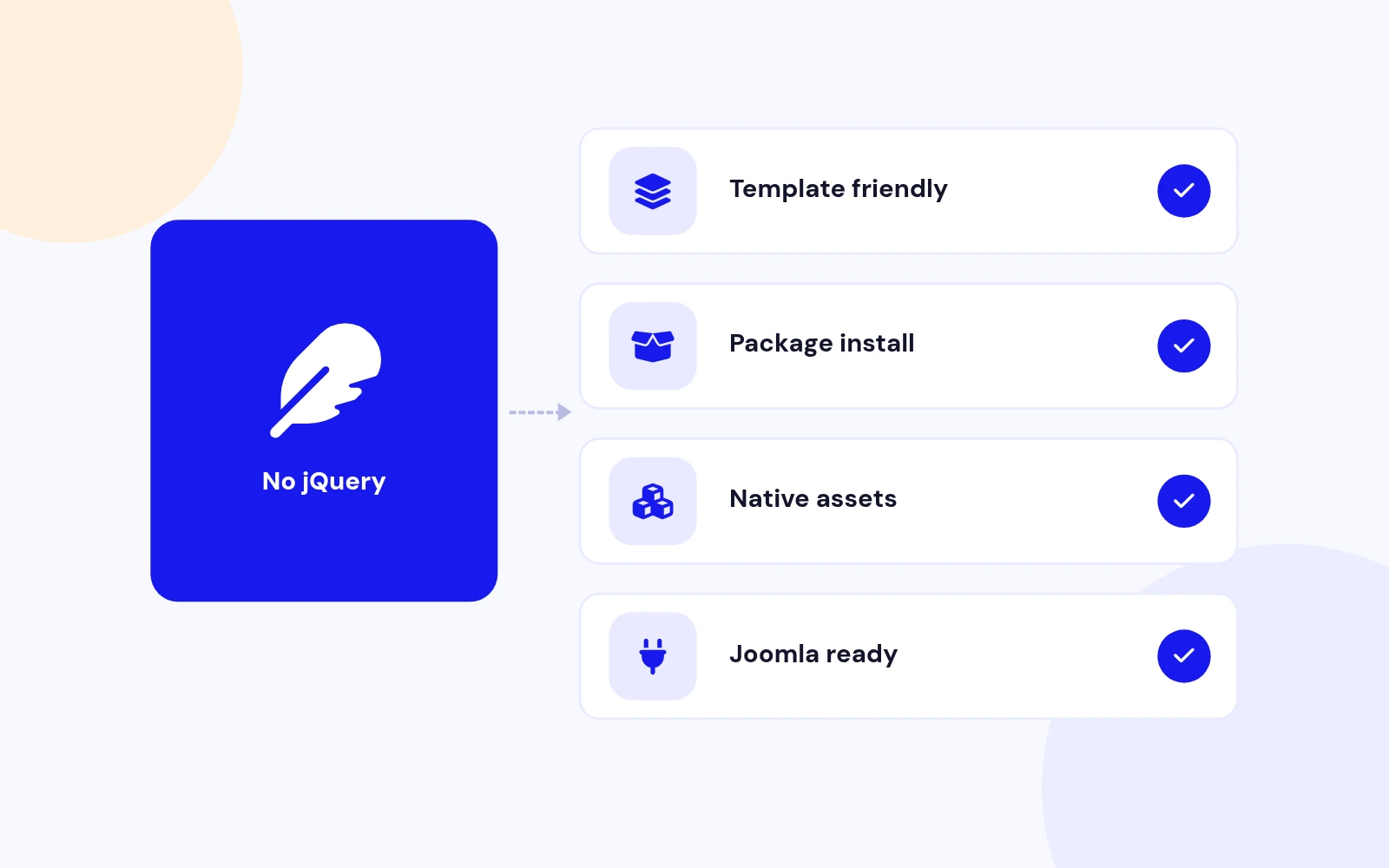
No jQuery dependency — faster pages and fewer conflicts with Helix, SP Page Builder, and other templates.

Joomla 5 services
Dispatcher, Helper, and Field classes follow the current Joomla 5 module architecture.

Ready for global sites

Multilingual Front End

UI translations included
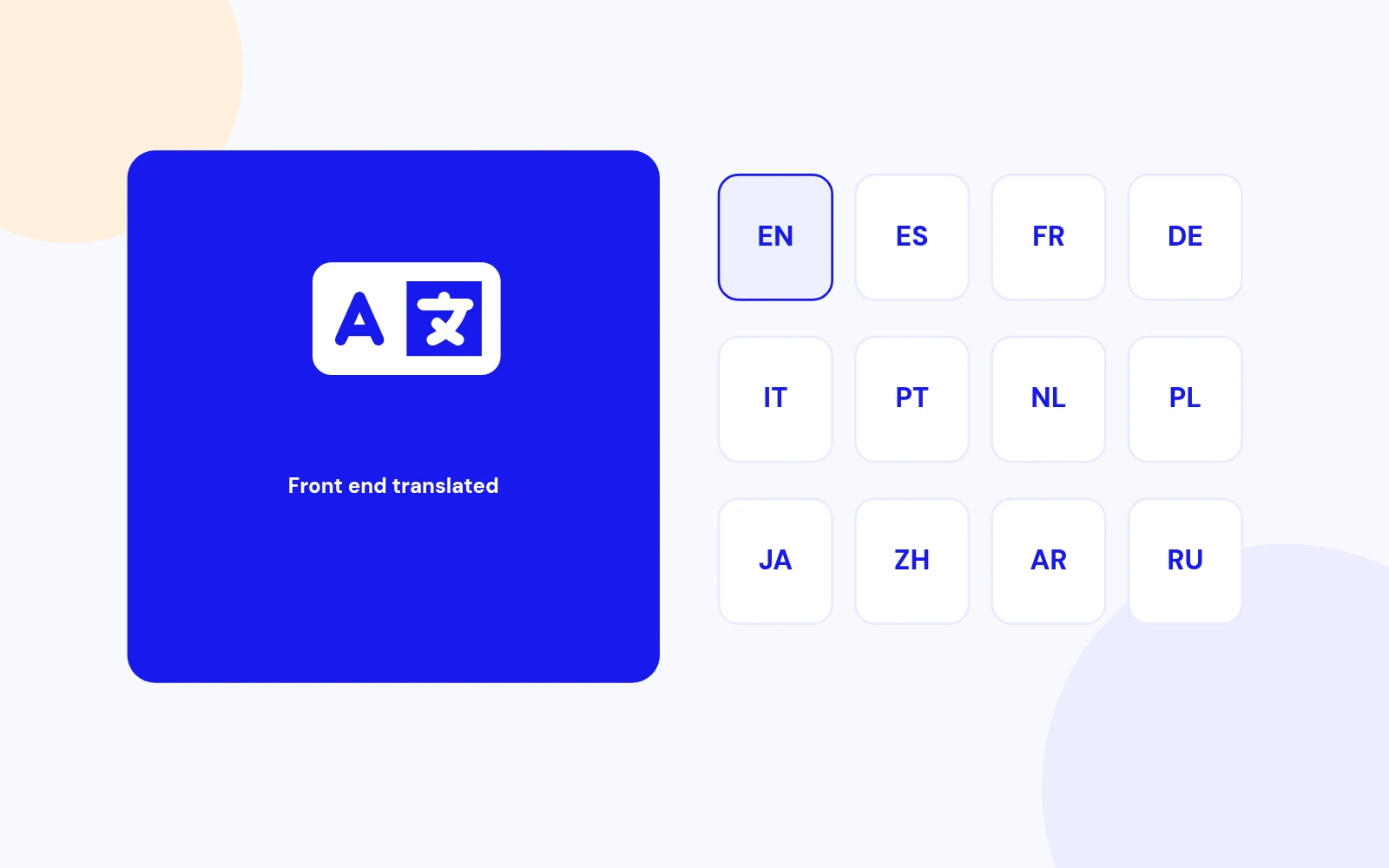
Search, filters, directions, and messages ship with en-GB plus es, fr, de, it, pt-BR, nl, pl, ru, ja, zh-CN, and ar.

Map language option
Choose the Google Maps UI language independently of your site language.

Works on every screen

Responsive & Accessible

Mobile-first layouts
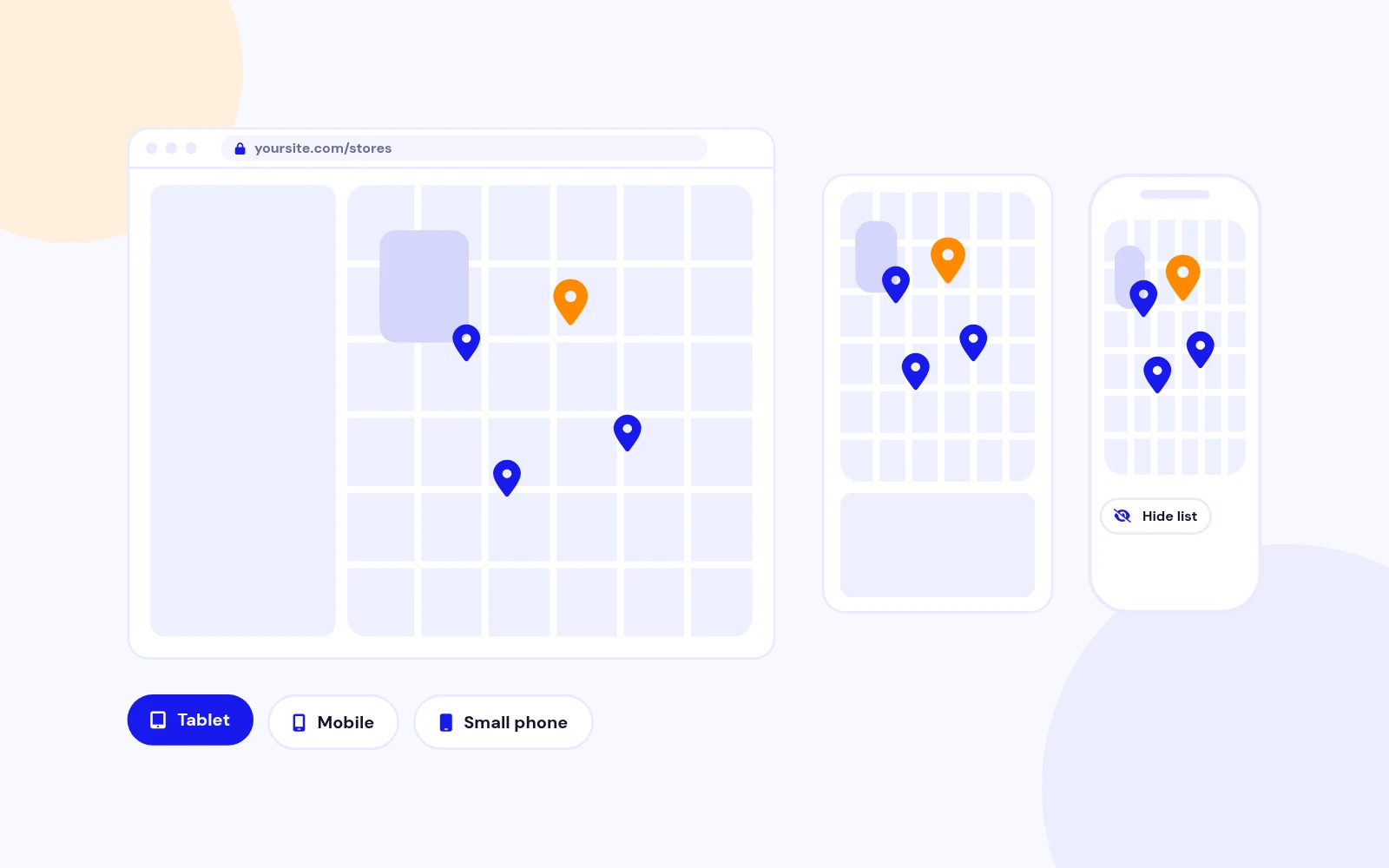
Map and list reflow cleanly on tablet and phone, with configurable minimum map heights per breakpoint.

Clear controls
Search labels, clear filters, and list toggle are keyboard-friendly with sensible ARIA labels.

Production ready

Secure & Easy Setup

Input sanitising
Coordinates, colours, URLs, and Extra CSS are validated to block XSS and bad map data.

Built-in How To
In-module guide for Google API keys, Map IDs, referrer restrictions, and getting lat/lng — plus Joomla 4 / 5 / 6 support.

Repeatable store list
Add as many locations as you need with name, address, phone, email, website, hours, category, and pin colour.

CSV + demo import
Load sample stores in one click or import your own CSV — no manual pin hunting required.

Advanced Markers + Map ID
Built on the current Google Maps JavaScript API with coloured pins and clean info windows.

Fit all stores
Auto-zoom so every location is visible on first load, with a fallback zoom when you prefer manual control.

Live search
Filter by name, area, address, phone, hours, or category with highlighted matches and a clear button.

Category chips
One-tap filters (Flagship, Outlet, Partner…) that update the list and map together.

Classic · Split · Overlay · Cards · Map only
Choose how the map and store list sit together — from a classic sidebar to a full-bleed map with a floating list toggle.

Sidebar left or right
Match your page composition without custom CSS.

Directions, Call, Email, Website
Each info window can open Google directions or start a call, email, or website visit in one tap.

Toggle per need
Turn directions (and other chrome) on or off from the module settings.

Colours, radius, typography
Accent, panel background, text, borders, corner radius, title size/weight, and row padding — all from the backend.

Per-store pin colours
Highlight Flagship vs Outlet locations with their own accent on the map and in the list.

List toggle
Visitors can hide the store list for a full-width map, then reopen it with a floating control.

Map-only layout
Start collapsed for a clean hero map — the list is always one tap away.

Upload a CSV
Import title, coordinates, and optional fields (category, address, phone, email, website, hours, pin colour).

Sample London set
Load demo stores instantly to preview layouts before adding your real branches.

Modern stack
No jQuery dependency — faster pages and fewer conflicts with Helix, SP Page Builder, and other templates.

Joomla 5 services
Dispatcher, Helper, and Field classes follow the current Joomla 5 module architecture.

UI translations included
Search, filters, directions, and messages ship with en-GB plus es, fr, de, it, pt-BR, nl, pl, ru, ja, zh-CN, and ar.

Map language option
Choose the Google Maps UI language independently of your site language.

Mobile-first layouts
Map and list reflow cleanly on tablet and phone, with configurable minimum map heights per breakpoint.

Clear controls
Search labels, clear filters, and list toggle are keyboard-friendly with sensible ARIA labels.

Input sanitising
Coordinates, colours, URLs, and Extra CSS are validated to block XSS and bad map data.

Built-in How To
In-module guide for Google API keys, Map IDs, referrer restrictions, and getting lat/lng — plus Joomla 4 / 5 / 6 support.

Docs & setup

Get up and running fast

Written guides for installing and configuring Easy Store Locator — from first setup to the options that matter.

  • Installation steps
  • Configuration options
  • Practical usage tips

Pricing

Choose the plan that fits

Save more as you scale — longer access means a bigger discount.

Compatible with
Joomla 4 Joomla 5 Joomla 6
Tester plan
30 Days
Basic testing plan. 30 days access only. No priority support. Access expires after 30 days - no future updates.
$19

$19

You save zero
Download Access - 30 Days
Support - 30 Days Email Support
1 Website License
Unlimited Downloads
No Priority Support
No Future Updates After 30 Days
Limited to Testing Only
30-Day Money Back Guarantee
Commercial Use License
6 Months
6 months access with priority support & bug fixes. Perfect for short-term projects and growing businesses.
$114

$29

You save $85
Download Access - 6 Months
Support - 6 Months + Priority Updates
2 Websites License
Unlimited Downloads
Priority Email Support
Priority Bug Fixes
6 Months Free Updates
30-Day Money Back Guarantee
Commercial Use License
Pay once
Lifetime
Lifetime access with dedicated support agent. Never pay again - unlimited updates & custom development support included.
$1,980

$99

You save 95%
Download Access - Lifetime
Support - Lifetime + Dedicated Support
Unlimited Websites License
Unlimited Downloads
Dedicated Support Agent
Lifetime Free Updates
Feature Request Priority
Custom Development Support
30-Day Money Back Guarantee
Commercial Use License

Have questions about Easy Store Locator?

Frequently asked questions

It is a Joomla module that shows your store or office locations on Google Maps, with a searchable list, category filters, and actions like Get Directions, Call, Email, and Website.

Version 2.1 supports Joomla 4, 5, and 6 only. Joomla 3 is not supported. PHP 8.0+ is required.

A Google Cloud project with Maps JavaScript API enabled, a valid API key, and a Map ID for Advanced Markers. For testing you can use DEMO_MAP_ID. Restrict the key with HTTP referrers for your live site (and localhost if you develop locally).

  1. System → Install → Extensions → upload mod_store_locator_2.1.zip
  2. Content → Site Modules → New → Easy Store Locator
  3. Paste your API key (Map Setup), add locations or use Import & Demo
  4. Assign a position and menu, Publish, Save
  5. Clear cache

Yes. Add as many locations as you need in the Locations tab, or import them from CSV. Invalid coordinates are skipped automatically.

Five designs: Classic (map + sidebar), Split, Overlay, Cards, and Map only. You can place the sidebar left or right and show/hide the list with a toggle button.

When Search Box is ON, visitors filter by name, area, address, and other fields. Category Chips appear when stores have a Category value (e.g. Flagship, Outlet). The list and map markers update together.

Open Import & Demo, download the sample CSV if needed, then upload your file. Required columns: title, latitude, longitude. Optional: category, address, phone, email, website, hours, description, pin_color. Review Locations and Save.

No. Version 2.1 is vanilla JavaScript (no jQuery) and does not use the deprecated Google Maps sensor parameter. It uses Advanced Markers with async loading.

Yes. Front-end UI strings ship for en-GB, es-ES, fr-FR, de-DE, it-IT, pt-BR, nl-NL, pl-PL, ru-RU, ja-JP, zh-CN, and ar-AA. You can also set the Google Maps UI language separately under Map Setup. Use Language Overrides for custom wording.

  • Enable Maps JavaScript API and check billing
  • Under API key → Application restrictions → HTTP referrers, add patterns that match your URL (e.g. https://www.example.com/*, http://localhost/demo/*)
  • Confirm Map ID (or DEMO_MAP_ID for tests)
  • Clear cache and hard-refresh

See the module’s How To tab for step-by-step help.

Yes. Under Appearance set accent, panel colours, borders, corner radius, title size/weight, and padding. Each store can have its own pin colour. Use Extra CSS or a Module Class Suffix for template-specific tweaks.

No. Configure everything from the module settings, including demo data and CSV import. Optional Extra CSS is available for advanced branding.

Yes. Layouts reflow on tablet and phone, with configurable minimum map heights per breakpoint. The sidebar can be toggled so visitors get a full-width map on small screens.

Still have questions?

What our users say

Customer testimonials

Setup with many functions, all Settings can be done very easy through the provided menu. It also has a form to enter new Testimonials. Very easy and straight forward. Just add the category and then start. Great Support.
Walter Egli Joomla Extension Directory
Great store locator extension that works just great! Very simple to use with very reliable support. You can always count on someone to help you. The documentation is very accurate and straightforward.
Manuel Joomla Extension Directory
Easy to install within minutes on my Joomla site. Configuration is straightforward. When I had a small font color issue, the support team solved it promptly within one day. A great product that does exactly what it's supposed to do.
Harro Dik Joomla Extension Directory
I have used this extension on a number of sites over quite a few years now and its always done all that I needed it to. Very straight forward to set up. The layout is very intuitive. The VALUE of this extension is first class.
Elena Rodriguez JoomlaX
The extension matched exactly the vision our designers had for the scrolling testimonials. Very easy to use and good to be able to include different categories on different pages. Support has been exceptional.
Jacob Sinclair JoomlaX
As a web developer managing multiple client sites, this extension stands out as the best. The customization options are extensive yet intuitive, allowing me to match each client's brand perfectly. The responsive design looks fantastic on all devices without any tweaking needed.
Aria Patel JoomlaX

All-access bundle

Unlock every JoomlaX extension in one plan

Get all 60+ extensions, ongoing updates, and full-time support. Plans start at $99.

  • Satisfaction guarantee
  • Secure SSL payment
  • Updates included

Sign in to your account

Don't have an account yet? Register Now!