


Rich Previews
Image Previews Right in Your Text
- Turn any word or phrase into a rich image preview without leaving the paragraph. Click to pin it, and click again to follow its link.
Text to Image Tooltip Plugin for Joomla
Features
Eight feature areas, one install package for Joomla 4, 5 and 6.
Rich Previews

Four Themes
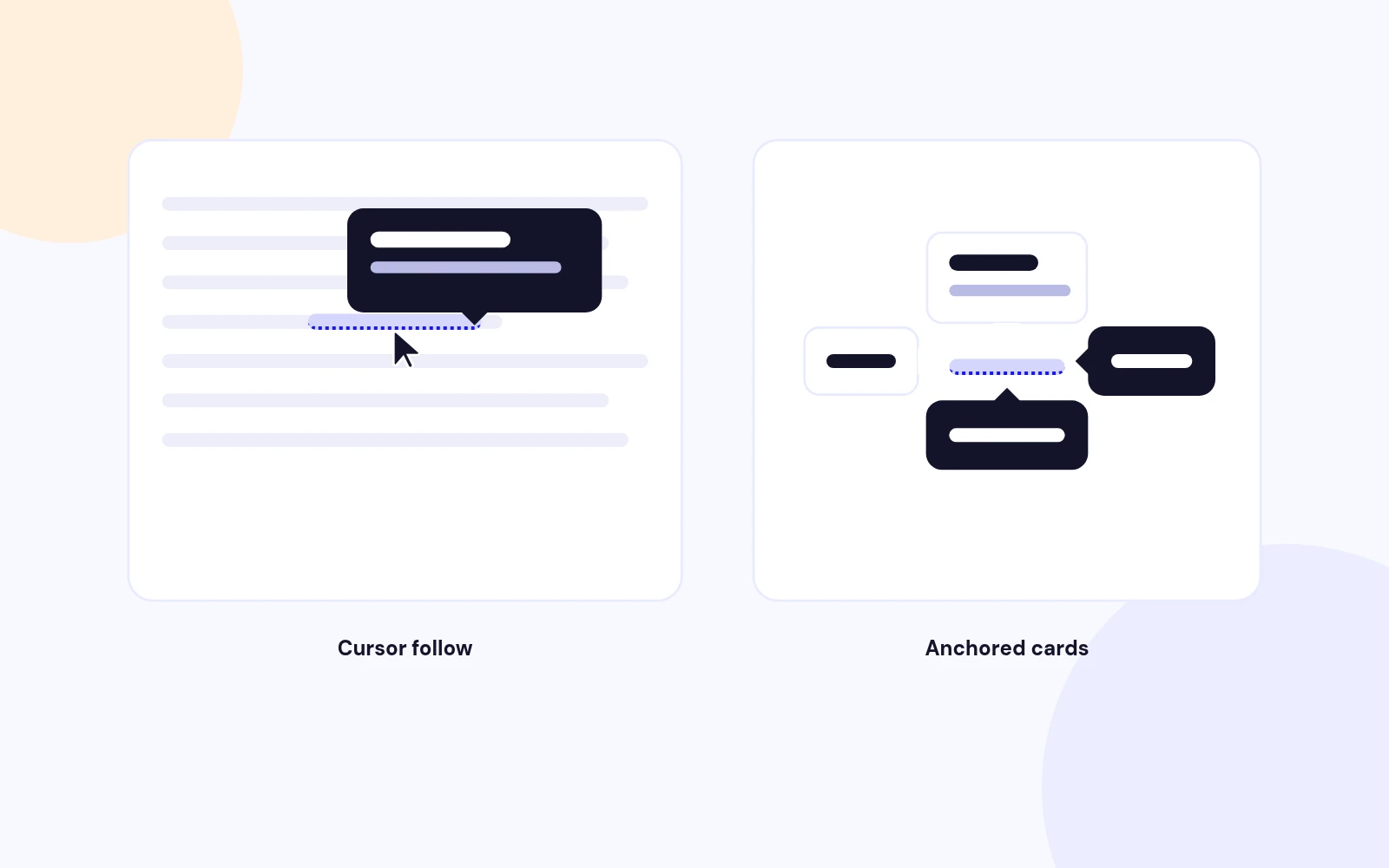
Smart Placement
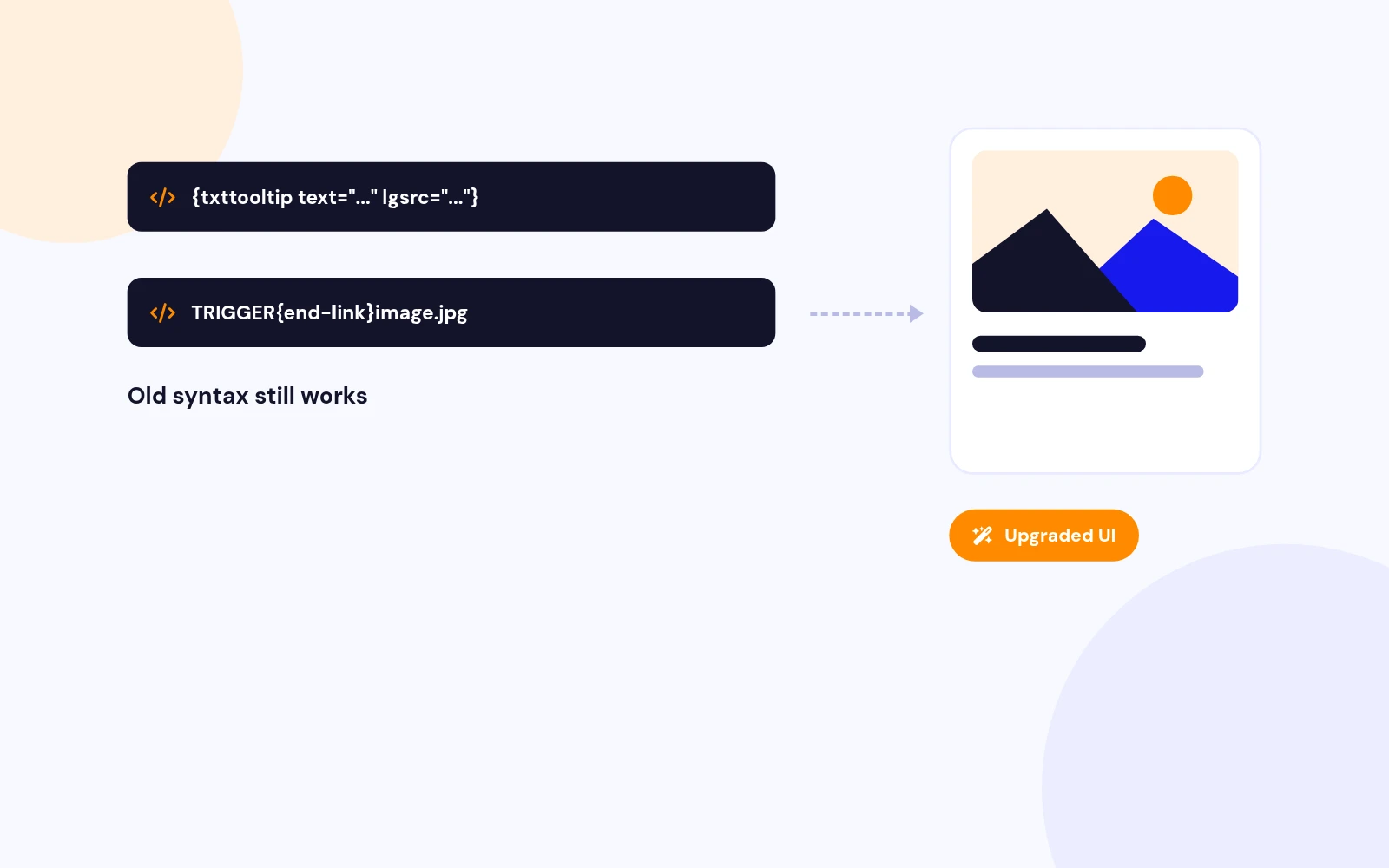
Upgrade Safe

Lighter Pages

No Guesswork

Accessible

Flexible Content
Changelog
6 releases since version 1.2. Updates install from the Joomla admin with a valid licence.
Docs & setup
Written guides for installing and configuring Text Image Tooltip, from first setup to the options that matter.
Pricing
Save more as you scale — longer access means a bigger discount.
30-day money-back guarantee
30-day money-back guarantee
30-day money-back guarantee
30-day money-back guarantee
Why buy here
All-access bundle
Get all 126 extensions, new releases, ongoing updates and full-time support. Bought one by one, a year of updates for every extension costs over $4,700.
Ideal for small projects and personal sites
$249/ 6 months
Save 91% · $2,900+ value
30-day money-back guarantee
Best for growing businesses and web agencies
$349/ 1 year
Save 92% · $4,700+ value
30-day money-back guarantee
For professional developers and multi-client agencies
$749/ one-time
Pay once · keep forever
30-day money-back guarantee
FAQ
Still unsure? Our support team is one ticket away.
Text Image Tooltip 3.0 supports Joomla 4, Joomla 5, and Joomla 6.
Enable Content - Text Image Tooltip, then insert a shortcode such as:
{txttooltip text="leather tote" lgsrc="images/photo.jpg" title="Leather Tote" theme="dark"}Short supporting text{/txttooltip}
Or use the Text Image Tooltip editor button to build it visually.
Yes. Legacy shortcodes such as {txttooltip}Hover me{end-link}images/photo.jpg{/txttooltip} still work and render with the modern 3.0 tip UI.
Yes. Set type="image" and provide thumbsrc (and optionally float="left" or float="right"). If thumbsrc is omitted, the plugin falls back to lgsrc.
Yes. For local images, version 3.0 resizes to the requested thumb or tip width and caches WebP files under images/cache/text-image-tooltip when WebP thumbnails are enabled. Remote URLs are left unchanged.
Sticky click is enabled by default so visitors can inspect the tip. Use Open link inside the tip, click the trigger a second time to follow the URL, or turn Sticky click off in the plugin settings. Ctrl/Cmd-click always opens the link normally.
Yes. Set defaults in the plugin parameters, then override per shortcode with theme="light|dark|glass|brand", placement="follow|top|bottom|left|right", and animation="fade|scale|slide|none".
That is supported. Tip spacing is handled for link-only, title-only, image+link, and full image/title/body/link combinations. Empty shortcodes with no tip content do not open a blank bubble.
Enable Editor - Text Image Tooltip, then use the Text Image Tooltip button in the article editor toolbar to build and insert the shortcode.
Clear Joomla, template, CDN, and browser caches. Version 3.0 also adds a Bootstrap-compatible show class for templates that hide role=tooltip elements until shown.
More like this

