


Plugin
Component
Utilities
Easy Helpdesk
Support Tickets, Knowledge Base, and Email Desk for Joomla
30-day money-back guarantee
Works with
Joomla 5
Joomla 6

What can Easy Helpdesk do for you?
Built for real Joomla sites
Easy Helpdesk is a complete Joomla support desk: customer portal, staff console, administrator workspace, knowledge base, IMAP intake, editable notifications, SLA policies, reports, and scheduled tasks. Built for Joomla 5 and 6 with native JavaScript and no jQuery.
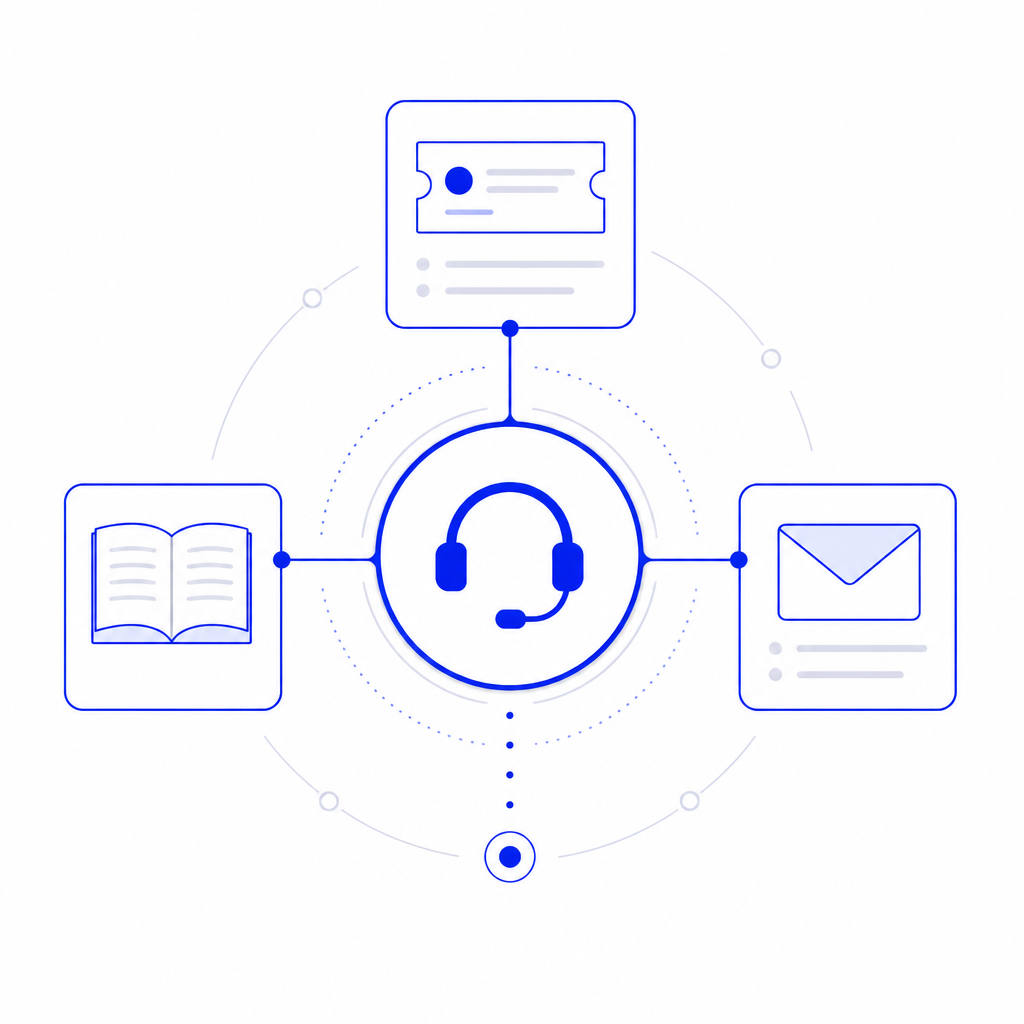
Tickets · Knowledge · Email
Complete Support Desk
One package for the whole desk
Ship a customer portal, staff console, administrator workspace, knowledge base, and scheduled mail/SLA tasks in a single Joomla package.
Web, email, and phone intake
Tickets arrive from the site form, IMAP mailboxes, or staff create-on-behalf intake for phone and other channels.
Ready for real support teams
Departments, agents, statuses, priorities, types, tags, canned replies, custom fields, and SLA policies live under Components > Easy Helpdesk.

Submit · Track · Self-serve
Customer Support Portal
Branded portal home
A clear landing page with ticket CTA, open/total stats for signed-in customers, popular help articles, and a notification bell with unread count.
Guided ticket submit
Customers choose department, type, and priority, write the message, attach files, answer custom fields, and pass captcha or Turnstile before create.
My Tickets and single-ticket view
Search and filter by status or priority, follow the conversation, download attachments, manage watchers, edit visible custom fields, reopen when allowed, rate 1 to 5 stars, and keep reply drafts with autosave.

Magic Links · Find Ticket
Guest Access Without Friction
Guest ticket create
Let visitors open tickets without a Joomla account when guest access is enabled, or require sign-in when you prefer accounts only.
Passwordless My Tickets link
Email a one-time access link so customers reach their ticket list without remembering a password. Links expire and work once.
Ticket find and access tokens
Customers can look up a ticket by number and email, and each guest ticket carries a secure access token in notification mail. Ticket numbers use your chosen prefix.
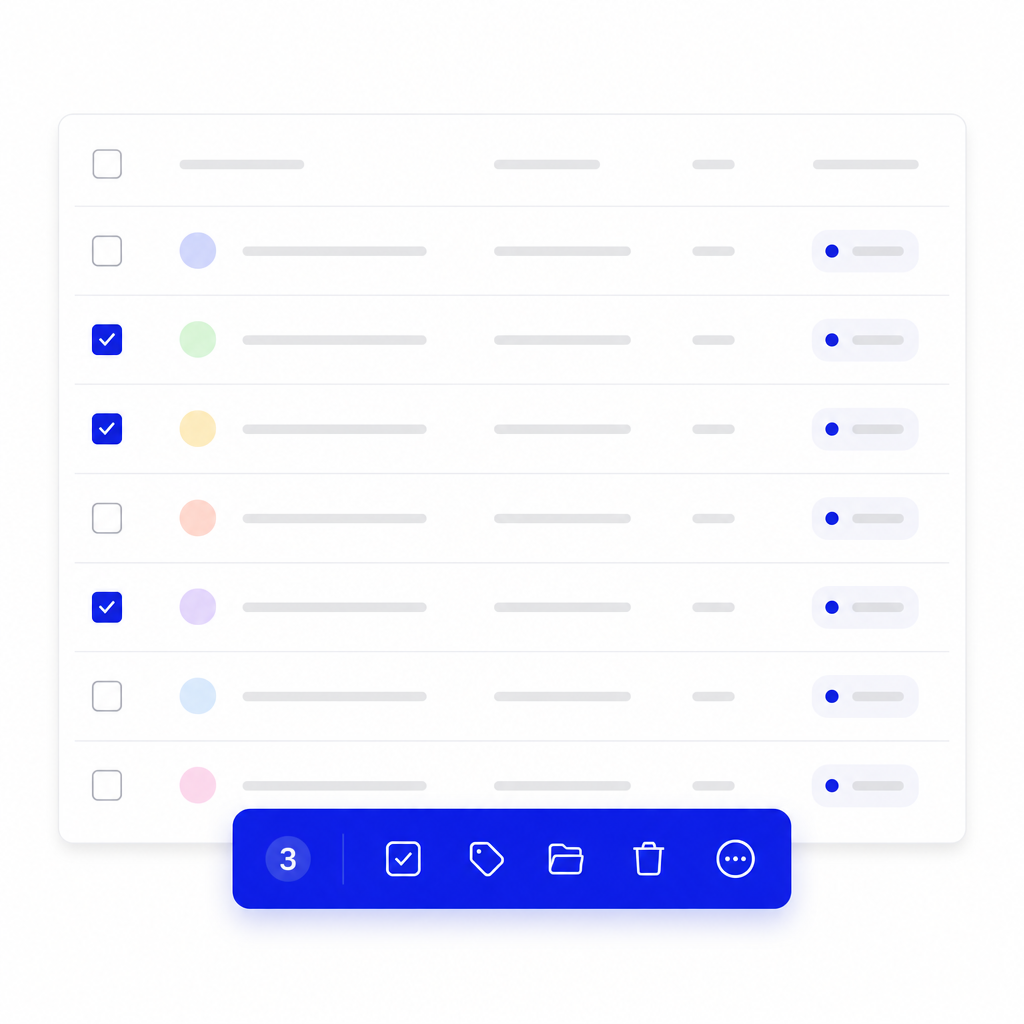
Work Tickets From The Site
Frontend Staff Console
No administrator login required
Agents work the queue from a Staff console menu item with triage power for day-to-day support.
Saved queues with live counts
Any, Still open, Awaiting reply, Unassigned, Mine, High/urgent, SLA breached, and Spam views keep the desk focused. Choose roomy or compact spacing that is remembered.
Batch actions and CSV export
Multi-select to change status, priority, department, or owner, assign to me, close selected tickets, and export the filtered queue.
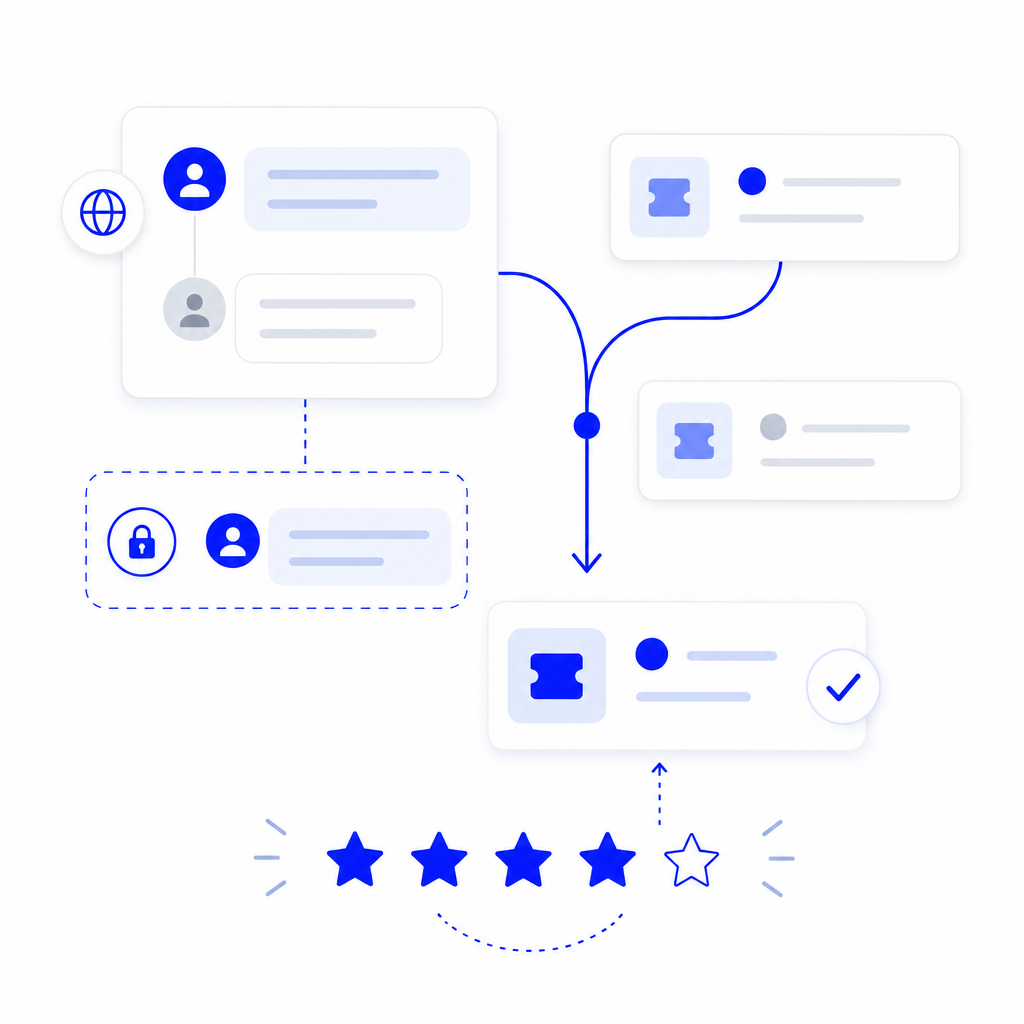
Reply · Assign · Merge · Split
Full Ticket Lifecycle
Public replies and private notes
Send rich-text answers with your chosen site or admin editor, keep internal notes private, and choose whether each reply triggers customer email.
Assignment that fits your team
Manual assign, assign to me, department move, plus per-department auto-assignment: manual, round robin, or least open tickets.
Merge, split, spam, reopen, rate
Fold duplicates, split a message into a new ticket, mark spam with optional blocklist, let customers reopen when enabled, and collect satisfaction ratings with notes.
Faster First Response
Canned Replies & Macros
Department-scoped canned replies
Save polished HTML answers and insert them from the admin or staff ticket screen.
Macro side effects
A canned reply can also set status, priority, assignee, and tags while the body is inserted.
Mark solved from knowledge
Staff can resolve a ticket against a helpful article suggestion so self-service wins are recorded.
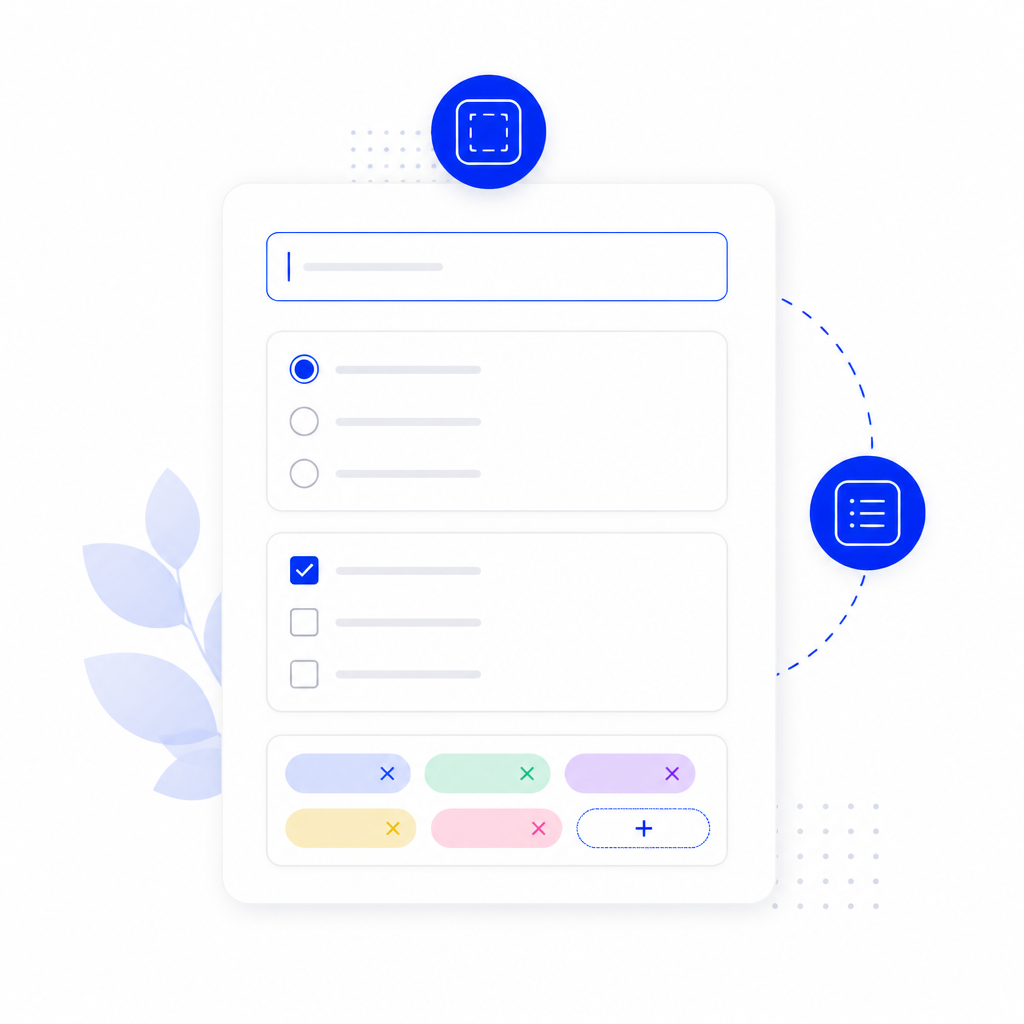
Capture What Matters
Custom Fields, Tags & Types
Flexible custom fields
Ask text, textarea, number, email, URL, list, radio, or checkbox questions per department, with required rules, help text, placeholders, and customer visibility.
Colour tags
Label tickets for billing, bugs, VIP, and more, then filter queues and add tags from macros.
Ticket types and custom statuses
Classify work with types, set default status and priority, and define statuses in open, pending, or closed groups with optional SLA pause behaviour.
First Response · Resolve · Escalate
SLA Policies That Enforce Themselves
Targets by department and priority
Set first-response and resolve minutes for low, normal, high, and urgent work, optionally limited to business hours and working days.
Visible SLA state
Due, paused, breached, and complete indicators appear on tickets and queue views so nothing silent-slips.
Escalation on breach
Automatically raise priority and/or reassign when a policy is missed, with a scheduled SLA sweep task to keep clocks honest.
Secure Uploads · Safe Downloads
Attachments Done Properly
Policy you control
Enable or disable attachments, set max files, max size in KB, and an allowed extension list.
Protected storage
Files live behind denied direct access with MIME checks and sanitized download names.
Private note safety
Attachments on private staff notes stay out of customer ticket links.

Self-service Before Tickets
Knowledge Base That Converts
Articles, categories, and search
Publish help with category chips and landings, featured articles, pagination, intro images, YouTube/Vimeo/media video, related reading, on-this-page TOC, and SEO metadata.
Live suggestions while typing
Related articles appear on the submit form and in the staff ticket panel so fewer tickets are opened for answered questions.
Helpfulness, share, and tickets-only mode
Yes/No feedback with optional notes, share buttons, reading time, views, content plugins, JSON-LD, and Open Graph. Turn KB off for a tickets-only portal.
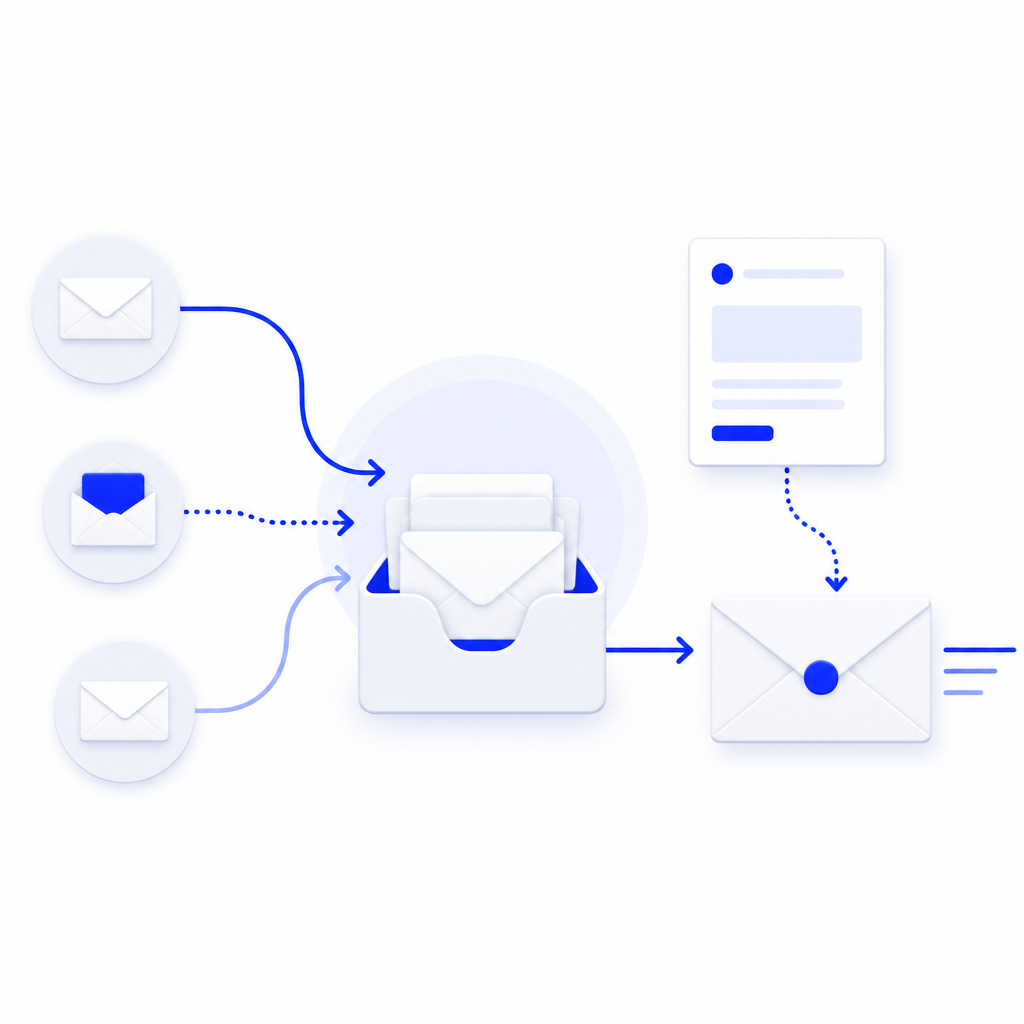
IMAP · Templates · Rules
Email In And Out
Multi-mailbox IMAP fetch
Publish multiple mailboxes with SSL/TLS options. Fetch needs no PHP imap extension, and you can pull mail from admin or a keyed cron URL.
Nine editable notification templates
Created, reply, status, assigned, reopened, rated, and portal access wording with placeholders, HTML or plain text, accent colour, signature, global CC/BCC, auto-reply, test send, and unpublish to silence one event.
Routing rules and blocklist
Match subject, from, or body (including comma-separated alternatives) to set department, priority, type, tags, or spam. Block by email, domain, subject, or body text, and review the mail delivery log.

Context Around Every Ticket
Watchers, Time & Activity
CC watchers
Add extra emails that receive public reply copies from the portal or staff screens.
Time tracking
Log minutes and notes against a ticket and keep a running total for reporting and billing follow-up. Toggle staff side panels for time, KB, fields, history, activity, and watchers.
Activity and requester history
See opens, replies, status changes, merges, ratings, and earlier tickets from the same email address.

See The Desk At A Glance
Dashboard & Reports
Administrator dashboard
Queue cards for active, awaiting, unassigned, mine, urgent, today, and closed work, plus awaiting panels, team workload, departments, KB snapshot, satisfaction, desk tools, and featured article count.
Reports that matter
Created and closed volume, SLA breaches, average rating, open-ticket aging buckets, and per-agent tickets, ratings, and first-response minutes.
Optional sample data
Fresh installs stay empty until you choose. Install sample departments, tickets, and articles from the dashboard, or reset with a typed confirmation.

Themes · Accent · Density
Portal Design System
Four portal themes
Minimal, Classic, Soft, and Ink, with accent colour that builds its own shades and readable button contrast, plus header styles for gradient, flat, or plain heroes.
Layout control
Corner styles, portal and form widths, font choices, and cosy or compact density without template overrides. Form controls keep their look on aggressive templates.
Custom CSS box
Add scoped CSS after the portal stylesheet when a site needs tighter brand matching.

Agent · Manager · Actions
Permissions Built For Support Teams
Granular ACL actions
Separate Agent, Manager, Reply, Private note, Status, Assign, Merge, and Requester permissions alongside standard Joomla core rights.
Department scoping
Agents only see and assign inside their departments. Managers can run the wider desk.
Read-only demo accounts
List usernames that may browse portal and administrator screens without saving, with banners and checkout-safe opens so real staff are not locked out.

Captcha · Turnstile · Blocklist
Spam And Abuse Controls
Built-in image captcha
Session-bound security codes with reload, guests-only option, and customisable labels.
Cloudflare Turnstile
Optional Turnstile provider with site and secret keys when you want an external challenge.
Blocklist and spam queue
Block emails, domains, subjects, or body text, mark tickets as spam, and triage junk from dedicated staff and admin queues.
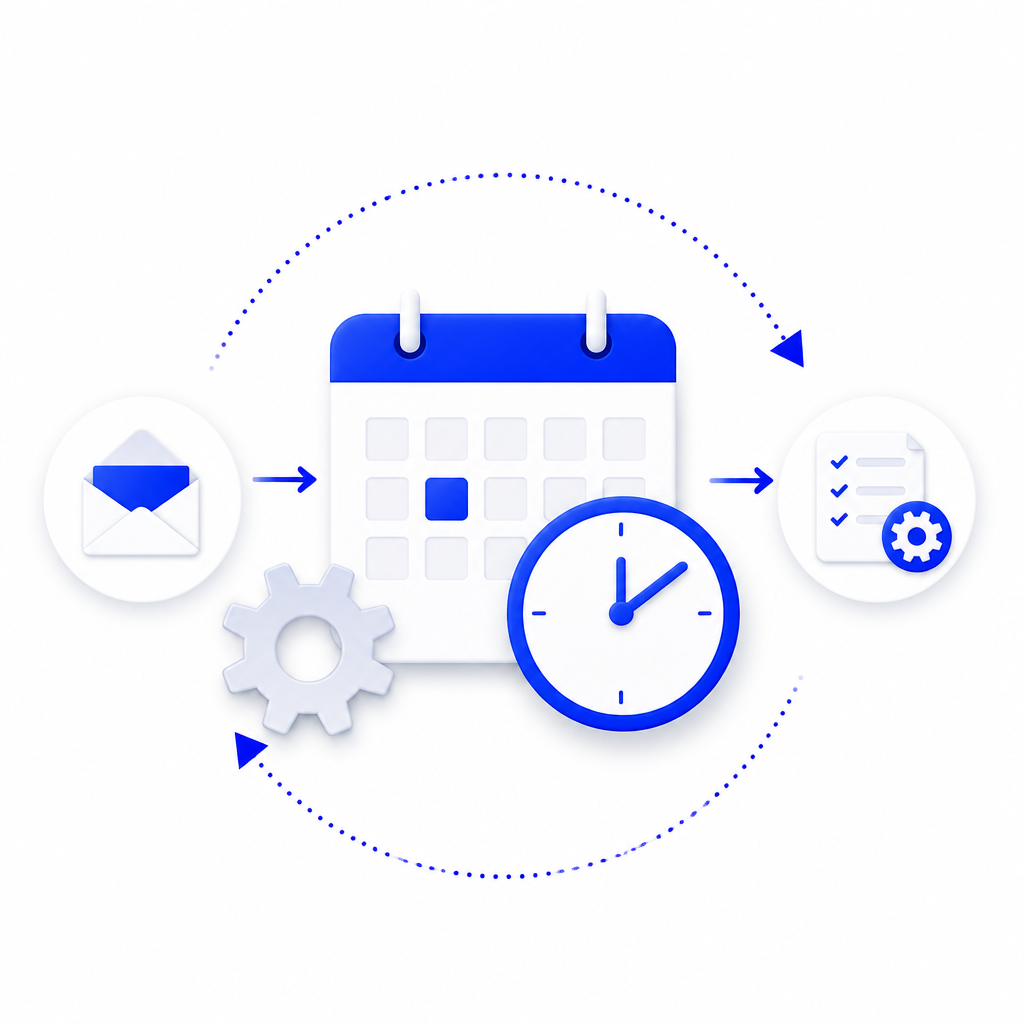
Mail Fetch · SLA Sweep
Scheduled Tasks Included
Task plugin in the package
Install component and Task plugin together so cron work is ready in System > Scheduled Tasks.
Mail fetch routine
Pull inbound mailboxes on a schedule, or trigger a keyed fetch URL when you prefer external cron.
SLA sweep routine
Flag breaches and apply escalation rules without relying on someone opening the administrator.
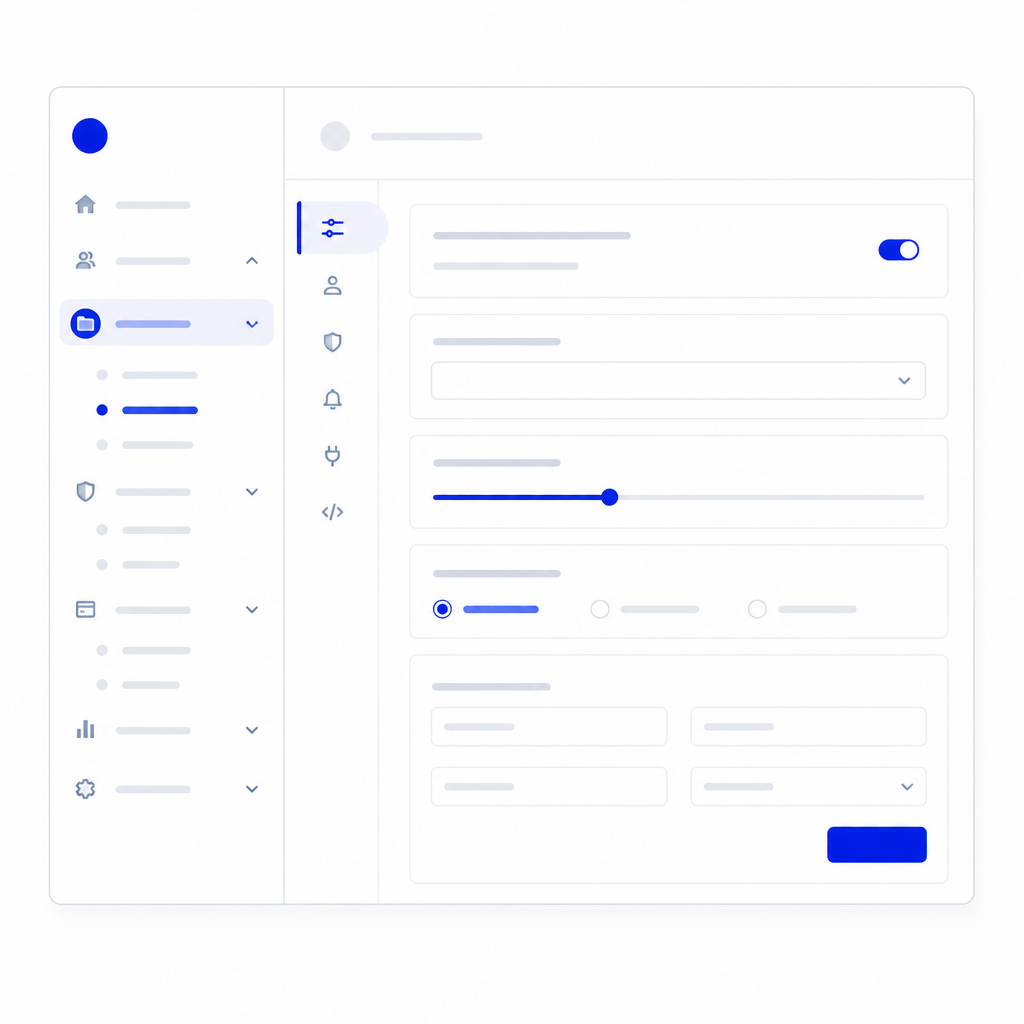
Everything Under One Menu
Administrator Workspace
Nested Easy Helpdesk menu
Dashboard, Tickets, Departments, Agents, then Ticket setup, Knowledge base, and Mail and routing groups for a tidy sidebar.
Search and status filters
Find records quickly across departments, agents, canned replies, custom fields, types, statuses, SLA policies, mailboxes, templates, rules, blocklist, articles, and more.
In-component Configuration
Left-rail tabs for general, portal, staff screen, knowledge, notifications, mail, security, SLA, and permissions without leaving the desk.

Joomla 5 & 6 · PHP 8.1+
Modern Joomla Package
Clean install and update path
Install pkg_easyhelpdesk, receive updates through the JoomlaX update server, and uninstall the package in one pass.
Menu item layouts
Portal, Submit Ticket, My Tickets, Knowledge Base, and Staff console menu types with SEF-friendly routing.
Vanilla JS and Web assets
Versioned CSS/JS through Joomla Web Asset Manager, English language packs, protected attachment storage, and no jQuery dependency.
One package for the whole desk
Ship a customer portal, staff console, administrator workspace, knowledge base, and scheduled mail/SLA tasks in a single Joomla package.
Web, email, and phone intake
Tickets arrive from the site form, IMAP mailboxes, or staff create-on-behalf intake for phone and other channels.
Ready for real support teams
Departments, agents, statuses, priorities, types, tags, canned replies, custom fields, and SLA policies live under Components > Easy Helpdesk.
Branded portal home
A clear landing page with ticket CTA, open/total stats for signed-in customers, popular help articles, and a notification bell with unread count.
Guided ticket submit
Customers choose department, type, and priority, write the message, attach files, answer custom fields, and pass captcha or Turnstile before create.
My Tickets and single-ticket view
Search and filter by status or priority, follow the conversation, download attachments, manage watchers, edit visible custom fields, reopen when allowed, rate 1 to 5 stars, and keep reply drafts with autosave.
Guest ticket create
Let visitors open tickets without a Joomla account when guest access is enabled, or require sign-in when you prefer accounts only.
Passwordless My Tickets link
Email a one-time access link so customers reach their ticket list without remembering a password. Links expire and work once.
Ticket find and access tokens
Customers can look up a ticket by number and email, and each guest ticket carries a secure access token in notification mail. Ticket numbers use your chosen prefix.
No administrator login required
Agents work the queue from a Staff console menu item with triage power for day-to-day support.
Saved queues with live counts
Any, Still open, Awaiting reply, Unassigned, Mine, High/urgent, SLA breached, and Spam views keep the desk focused. Choose roomy or compact spacing that is remembered.
Batch actions and CSV export
Multi-select to change status, priority, department, or owner, assign to me, close selected tickets, and export the filtered queue.
Public replies and private notes
Send rich-text answers with your chosen site or admin editor, keep internal notes private, and choose whether each reply triggers customer email.
Assignment that fits your team
Manual assign, assign to me, department move, plus per-department auto-assignment: manual, round robin, or least open tickets.
Merge, split, spam, reopen, rate
Fold duplicates, split a message into a new ticket, mark spam with optional blocklist, let customers reopen when enabled, and collect satisfaction ratings with notes.
Department-scoped canned replies
Save polished HTML answers and insert them from the admin or staff ticket screen.
Macro side effects
A canned reply can also set status, priority, assignee, and tags while the body is inserted.
Mark solved from knowledge
Staff can resolve a ticket against a helpful article suggestion so self-service wins are recorded.
Flexible custom fields
Ask text, textarea, number, email, URL, list, radio, or checkbox questions per department, with required rules, help text, placeholders, and customer visibility.
Colour tags
Label tickets for billing, bugs, VIP, and more, then filter queues and add tags from macros.
Ticket types and custom statuses
Classify work with types, set default status and priority, and define statuses in open, pending, or closed groups with optional SLA pause behaviour.
Targets by department and priority
Set first-response and resolve minutes for low, normal, high, and urgent work, optionally limited to business hours and working days.
Visible SLA state
Due, paused, breached, and complete indicators appear on tickets and queue views so nothing silent-slips.
Escalation on breach
Automatically raise priority and/or reassign when a policy is missed, with a scheduled SLA sweep task to keep clocks honest.
Policy you control
Enable or disable attachments, set max files, max size in KB, and an allowed extension list.
Protected storage
Files live behind denied direct access with MIME checks and sanitized download names.
Private note safety
Attachments on private staff notes stay out of customer ticket links.
Articles, categories, and search
Publish help with category chips and landings, featured articles, pagination, intro images, YouTube/Vimeo/media video, related reading, on-this-page TOC, and SEO metadata.
Live suggestions while typing
Related articles appear on the submit form and in the staff ticket panel so fewer tickets are opened for answered questions.
Helpfulness, share, and tickets-only mode
Yes/No feedback with optional notes, share buttons, reading time, views, content plugins, JSON-LD, and Open Graph. Turn KB off for a tickets-only portal.
Multi-mailbox IMAP fetch
Publish multiple mailboxes with SSL/TLS options. Fetch needs no PHP imap extension, and you can pull mail from admin or a keyed cron URL.
Nine editable notification templates
Created, reply, status, assigned, reopened, rated, and portal access wording with placeholders, HTML or plain text, accent colour, signature, global CC/BCC, auto-reply, test send, and unpublish to silence one event.
Routing rules and blocklist
Match subject, from, or body (including comma-separated alternatives) to set department, priority, type, tags, or spam. Block by email, domain, subject, or body text, and review the mail delivery log.
CC watchers
Add extra emails that receive public reply copies from the portal or staff screens.
Time tracking
Log minutes and notes against a ticket and keep a running total for reporting and billing follow-up. Toggle staff side panels for time, KB, fields, history, activity, and watchers.
Activity and requester history
See opens, replies, status changes, merges, ratings, and earlier tickets from the same email address.
Administrator dashboard
Queue cards for active, awaiting, unassigned, mine, urgent, today, and closed work, plus awaiting panels, team workload, departments, KB snapshot, satisfaction, desk tools, and featured article count.
Reports that matter
Created and closed volume, SLA breaches, average rating, open-ticket aging buckets, and per-agent tickets, ratings, and first-response minutes.
Optional sample data
Fresh installs stay empty until you choose. Install sample departments, tickets, and articles from the dashboard, or reset with a typed confirmation.
Four portal themes
Minimal, Classic, Soft, and Ink, with accent colour that builds its own shades and readable button contrast, plus header styles for gradient, flat, or plain heroes.
Layout control
Corner styles, portal and form widths, font choices, and cosy or compact density without template overrides. Form controls keep their look on aggressive templates.
Custom CSS box
Add scoped CSS after the portal stylesheet when a site needs tighter brand matching.
Granular ACL actions
Separate Agent, Manager, Reply, Private note, Status, Assign, Merge, and Requester permissions alongside standard Joomla core rights.
Department scoping
Agents only see and assign inside their departments. Managers can run the wider desk.
Read-only demo accounts
List usernames that may browse portal and administrator screens without saving, with banners and checkout-safe opens so real staff are not locked out.
Built-in image captcha
Session-bound security codes with reload, guests-only option, and customisable labels.
Cloudflare Turnstile
Optional Turnstile provider with site and secret keys when you want an external challenge.
Blocklist and spam queue
Block emails, domains, subjects, or body text, mark tickets as spam, and triage junk from dedicated staff and admin queues.
Task plugin in the package
Install component and Task plugin together so cron work is ready in System > Scheduled Tasks.
Mail fetch routine
Pull inbound mailboxes on a schedule, or trigger a keyed fetch URL when you prefer external cron.
SLA sweep routine
Flag breaches and apply escalation rules without relying on someone opening the administrator.
Nested Easy Helpdesk menu
Dashboard, Tickets, Departments, Agents, then Ticket setup, Knowledge base, and Mail and routing groups for a tidy sidebar.
Search and status filters
Find records quickly across departments, agents, canned replies, custom fields, types, statuses, SLA policies, mailboxes, templates, rules, blocklist, articles, and more.
In-component Configuration
Left-rail tabs for general, portal, staff screen, knowledge, notifications, mail, security, SLA, and permissions without leaving the desk.
Clean install and update path
Install pkg_easyhelpdesk, receive updates through the JoomlaX update server, and uninstall the package in one pass.
Menu item layouts
Portal, Submit Ticket, My Tickets, Knowledge Base, and Staff console menu types with SEF-friendly routing.
Vanilla JS and Web assets
Versioned CSS/JS through Joomla Web Asset Manager, English language packs, protected attachment storage, and no jQuery dependency.
Docs & setup
Get up and running fast
Written guides for installing and configuring Easy Helpdesk — from first setup to the options that matter.
- Installation steps
- Configuration options
- Practical usage tips
Pricing
Choose the plan that fits
Save more as you scale — longer access means a bigger discount.
Compatible with
Joomla 5
Joomla 6
Tester plan
30 Days
Basic testing plan. 30 days access only. No priority support. Access expires after 30 days - no future updates.
$19
$19
You save zero
Download
30-day money-back guarantee
Download Access -
30 Days
Support -
30 Days Email Support
1 Website License
Unlimited
Downloads
No Priority Support
No Future Updates After 30 Days
Limited to Testing Only
30-Day Money Back Guarantee
Commercial Use License
6 Months
6 months access with priority support & bug fixes. Perfect for short-term projects and growing businesses.
$114
$29
You save $85
Download
30-day money-back guarantee
Download Access -
6 Months
Support -
6 Months + Priority Updates
2 Websites License
Unlimited
Downloads
Priority Email Support
Priority Bug Fixes
6 Months Free Updates
30-Day Money Back Guarantee
Commercial Use License
1 Year
Full year access with VIP support channel. Fastest response time & priority feature requests. Best value!
$228
$49
Get 1 Year
30-day money-back guarantee
Download Access -
1 Year
Support -
1 Year + VIP Support Channel
3 Websites License
Unlimited
Downloads
VIP Support Channel
Priority Feature Requests
Fastest Response Time
1 Year Free Updates
30-Day Money Back Guarantee
Commercial Use License
Pay once
Lifetime
Lifetime access with dedicated support agent. Never pay again - unlimited updates & custom development support included.
$1,980
$99
You save 95%
Download
30-day money-back guarantee
Download Access -
Lifetime
Support -
Lifetime + Dedicated Support
Unlimited Websites License
Unlimited
Downloads
Dedicated Support Agent
Lifetime Free Updates
Feature Request Priority
Custom Development Support
30-Day Money Back Guarantee
Commercial Use License
Frequently asked questions
Quick answers for buyers evaluating Easy Helpdesk.
A complete support desk that lives inside your Joomla site: customer portal, staff console, administrator workspace, knowledge base, email intake, SLA policies, and reports in one package.
Joomla sites that sell products, run memberships, agencies, schools, SaaS companies, and any team that needs tickets without sending customers to a separate helpdesk SaaS.
Tickets stay on your domain, match your brand, use your Joomla users and ACL, and avoid another monthly SaaS bill. Customers never leave your site to get help.
A branded portal to submit tickets, track conversations, attach files, browse help articles, and reopen or rate closed tickets. Guests can use magic email links when you allow it.
Yes. The frontend Staff console lets agents triage queues, reply, assign, merge, and export CSV from the site, with the same day-to-day power they need.
Yes. Tickets arrive from the portal, IMAP mailboxes, or staff create-on-behalf intake. Editable notification templates cover opens, replies, status changes, assignments, and more.
The knowledge base shows popular articles, suggests help while customers type, and lets staff mark tickets solved from an article so self-service wins stick.
Four portal themes, accent colour, corners, widths, fonts, density, header styles, and a custom CSS box. Email can use your accent and signature too.
Dashboard queue cards, workload by agent, SLA breach visibility, satisfaction ratings, and reports for volume, aging, and first-response minutes.
Yes. Browse the demo portal and administrator with a read-only demo account so you can explore every screen without changing live data.
Joomla 5 and Joomla 6 with PHP 8.1+. Modern namespaced architecture, Web Asset Manager assets, and native JavaScript with no jQuery.
The install package with the component and Task plugin, updates through the JoomlaX update server, documentation, and support from JoomlaX.
Still have questions?
More like this
Related extensions





Plugin
P
Typewriter
Joomla plugin for typewriter text effect with adjustable speed and cursor.
J4
J5
J6
All-access bundle
Unlock every JoomlaX extension in one plan
Get all 100+ extensions, ongoing updates, and full-time support. Plans start at $99.
- Satisfaction guarantee
- Secure SSL payment
- Updates included
Easy Helpdesk
30-day money-back
Download Now